Getting Started
Unfortunately, you can’t make custom mods in game, you have to use the Unity Editor. Most 2021.2 LTS versions should be compatible, but Banana Shooter currently uses 2021.3.21f1c1. View Download Links
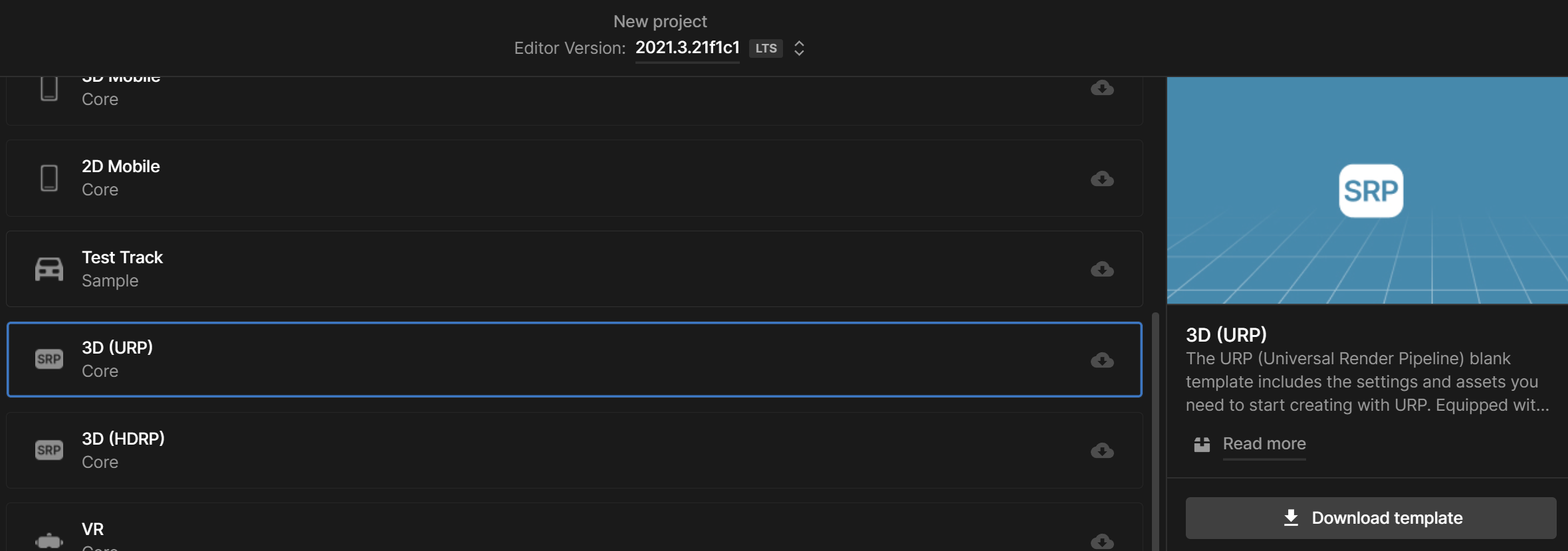
Once Unity is installed, create a 3D URP project (Banana Shooter currently uses 3D URP, so if your materials aren’t using the URP shader then they might not load in game due to incompatiblity)
Import BS SDK
Once the 3D URP project has been created, you can import the official Banana Shooter SDK,
Go to the Banana Shooter SDK GitHub repository, and Download ZIP
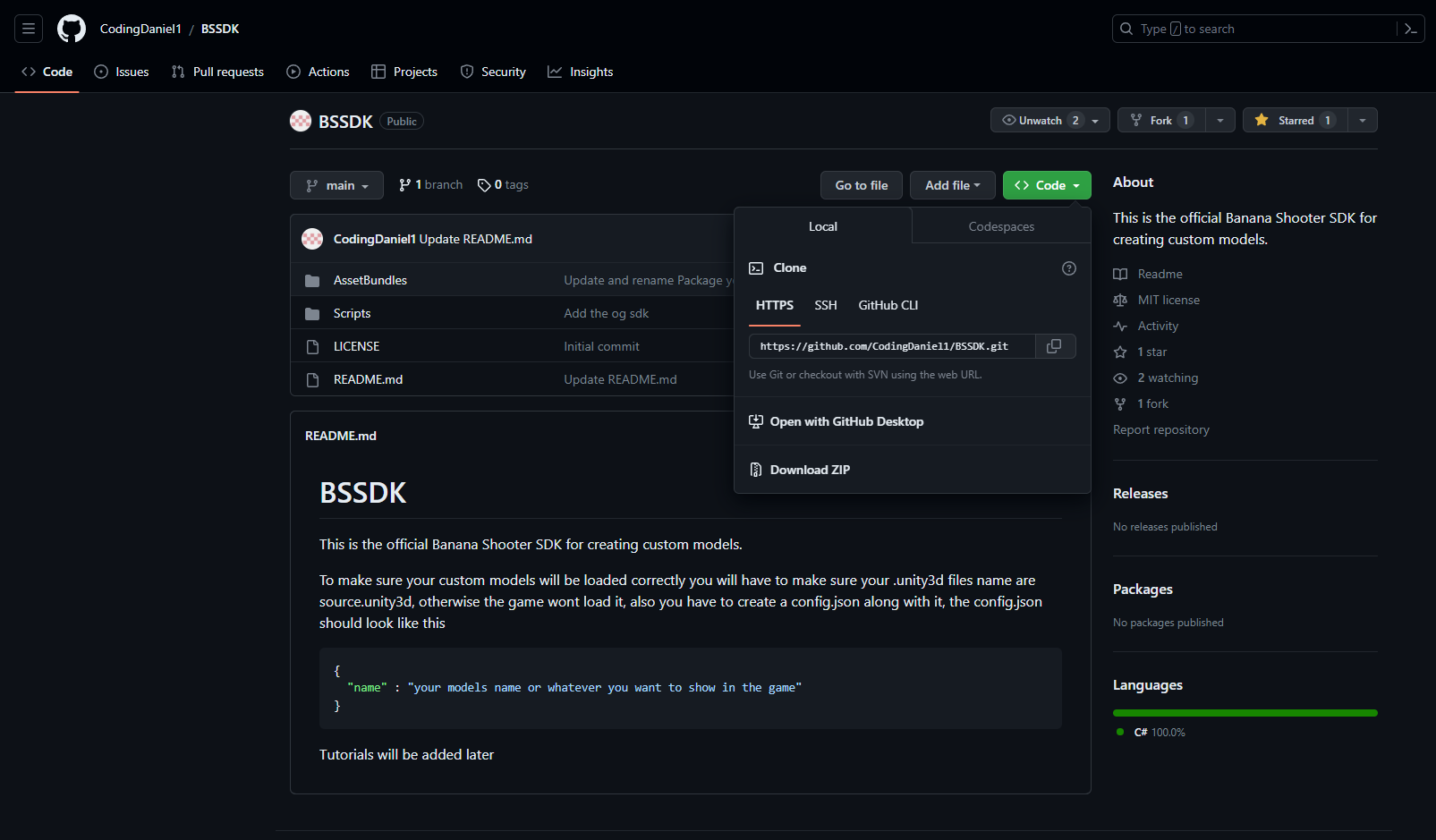
Extract both the AssetBundle and Scripts folders into your project’s Asset folder [?]
Delete the TutorialInfo folder and you should see an Asset Bundle option at the top of the UI, as shown below
Testing
To make sure the SDK has imported successfully,
Navigate to the top bar and click Asset Bundle > Asset Bundle Creator

Click on the Build Asset Bundles button
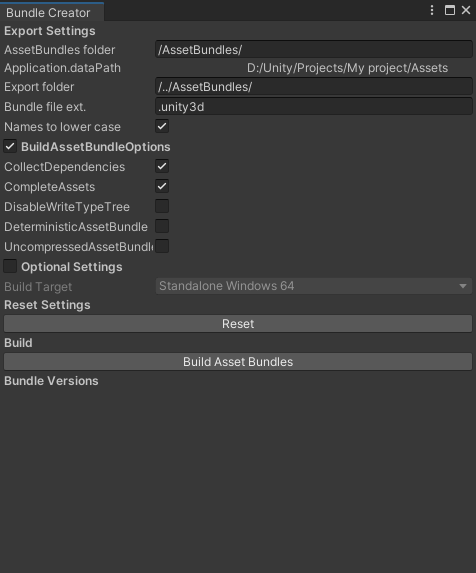
If there are no errors and the button appears below Bundle Versions, it means the Banana Shooter SDK has completely imported with no errors and you can being making mods. If you do have any errors, then try and Reset Settings and click the build button again and it should work fine.