Game Server Login Tokens
Creating Game Server Login Tokens
Log into Steam Game Server Account Management and use Banana Shooter’s AppID
1949740to create a new game server account. Make sure to add an appropriate memo to remember what the login token is for
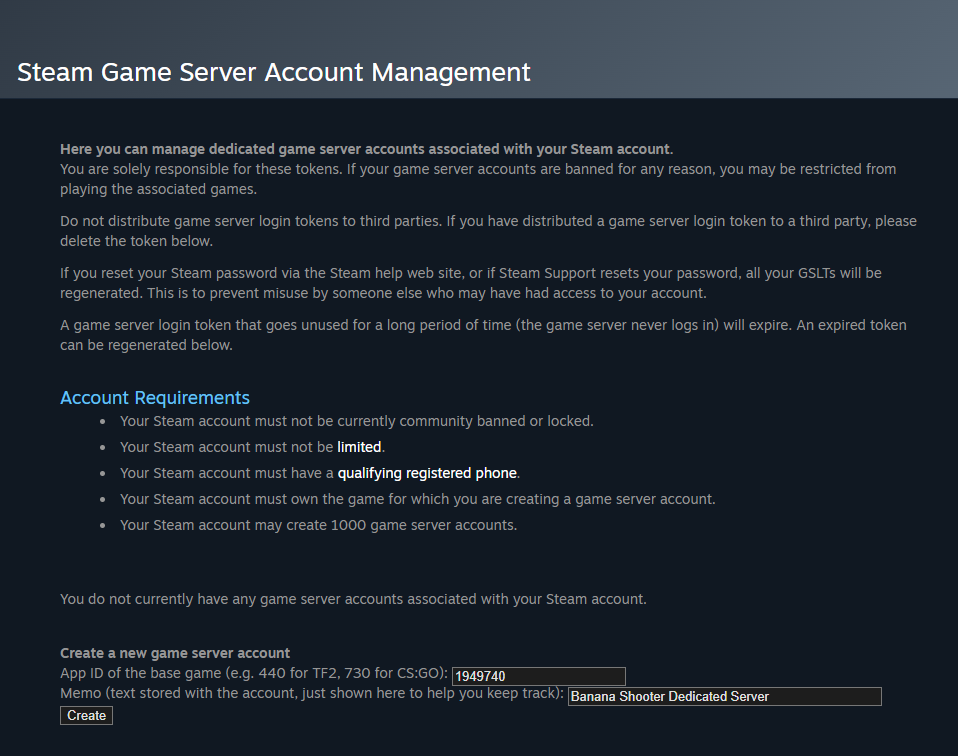
Make a note of the login token and do not share it. You can always return to the page if you lose or forget it

Server Configuration
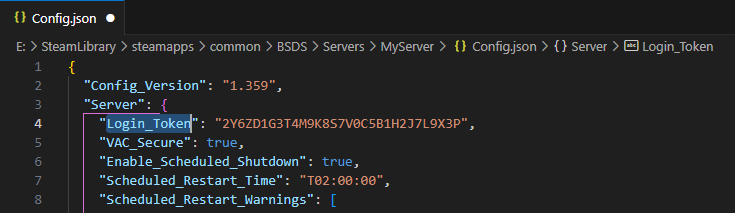
The token can be set in the Config.json file which is located at {steamLibrary}\BSDS\Servers\{serverName} [How to find you installation files]
Paste the login token between the quotation marks of the Login_Token parameter